
Google Shopping Ads campaign for Shopify
Product description: Google Shopping Ads campaign for Shopify 🚀 Grow your sales with Google Shopping Ads on Shopify! Improve your ad campaigns and make…
Monthly Google Ads management
€900/month excl. VAT
Ad budget paid to Google on top.


More than 6 years of SEO and Google Ads, working with you directly.
Albert Lanne
SEO consultant · Google Partner
Product description: Google Shopping Ads campaign for Shopify
On video · @albertdelannkin
Creating a Google Ads Shopping campaign step by step
Merchant Center prerequisites, linking it to Google Ads, then creating a standard Shopping campaign with the sales goal, alongside a Performance Max.
Transcript


Grow your sales with Google Shopping Ads on Shopify!
Improve your ad campaigns and make your products more visible with our Google Shopping Ads campaign for Shopify service. This complete solution is designed for Shopify merchants who want to get the most return on their online ad spend (ROI).
What you get with our service
- Google Shopping campaign setup: custom configuration of your Google Merchant Center account and connection to Shopify for an automatic product feed.
- Ad optimization: high-quality ads tailored to your products, to catch potential customers' attention while they search.
- Performance tracking: detailed campaign performance tracking with clear reports, so you can adjust bids and optimize your budget.
- Advanced targeting: targeting strategies that reach the right shoppers at the right time, based on their purchase intent and behavior.
Why choose our Google Shopping Ads campaign for Shopify?
- More sales: show your products directly in Google search results with images and clear information.
- Better visibility: get your products in front of a large, targeted audience, bringing qualified traffic and better conversions.
- Easy integration: a seamless connection between your Shopify store and Google Merchant Center, with easy inventory management.
Ideal for
- Shopify merchants who want to automate and optimize their Google Ads campaigns.
- Sellers looking to increase their online visibility and maximize their sales.
Ready to give your online sales a boost?
Launch your Google Shopping Ads campaign now and watch your Shopify store thrive!
Before the first ad: Shopping prerequisites
A Shopping campaign does not run on keywords but on your catalog. Google reads the product data sent by your store and decides on its own which searches to show it for. The quality of the feed therefore matters as much as the campaign settings.
A verified Merchant Center account
The Google Merchant Center account hosts the product feed. Before anything can run, it has to be verified and claimed for your domain, with shipping, returns and contact information consistent with what the store displays. A single mismatch is enough to get the account blocked: the checklist for a Merchant Center suspended for misrepresentation details the points that get checked. If you are starting from scratch, the Merchant Center setup assistance covers this step.
Shopify sync
On the Shopify side, the Google & YouTube app sends products to Merchant Center and keeps them up to date: prices, stock, variants. The full walkthrough is in the guide on setting up Shopify with Google Merchant Center and Google Ads.
Conversion tracking
Without measured conversions, Google has no signal to optimize bids. We check that purchases flow into Google Ads with their value, so the account is managed on return on ad spend (ROAS) rather than on clicks.
Standard Shopping or Performance Max?
Both formats show your products in the Shopping tab and in search results. They are not used the same way.
| Standard Shopping | Performance Max | |
|---|---|---|
| Placements | Search Network and Shopping tab | Search, Shopping, YouTube, Display, Gmail, Discover |
| Control over queries | Search terms report and negative keywords | More limited, analysis by script |
| Recommended use | Keep control over products and queries | Let the algorithm look for volume once tracking is reliable |
In practice, I often run both side by side: a standard Shopping campaign for the products and queries we want to control, and a Performance Max campaign to go after the rest. To see what a Performance Max campaign is actually doing, the article on Mike Rhodes' analysis script shows the method.
How I structure the campaign
Product groups that make sense
The catalog is split by margin, by category or by best sellers, so you do not bid the same way on a best seller and on a loss leader. Each group gets its own strategy.
Product titles that match searches
The product title works as the keyword. It should contain what shoppers actually type: product type, material, color, size, brand. This is often the most profitable lever in a Shopping campaign, and it is set in Shopify, not in Google Ads.
Bids and priorities
At launch, the campaign learns with a simple strategy. Once sales are coming through, we switch to target ROAS bidding. Campaign priorities are used to route generic queries to one campaign and specific queries to another.
Queries to exclude
Every week, the search terms report is reviewed and queries with no purchase intent are added as negative keywords. The guide on creating a Shopping campaign in Google Ads walks through these settings step by step.
How the service runs
- Diagnosis: state of Merchant Center, the Shopify feed and conversion tracking.
- Setup: feed fixes, campaign structure, product groups, initial exclusions.
- Launch: ads go live, then we review the first queries and the first products that come through.
- Monthly management: bids, exclusions, product titles, budget split between Shopping and Performance Max.
Management is billed €900 excl. VAT per month, with the ad budget paid to Google on top. Want to know where your account stands first? Start with the full Google Ads account audit. If the store itself needs work, see Shopify store setup or the Shopify consultant.
 Google Ads proofI worked with Gabriel Dubois, the biggest Google Ads client in Belgium.Watch the pinned video on TikTok (new tab)
3 case studies and TikTok videos
The work, shown on screen
 6 min 38 s
Google Ads · Shopify / e-commerce
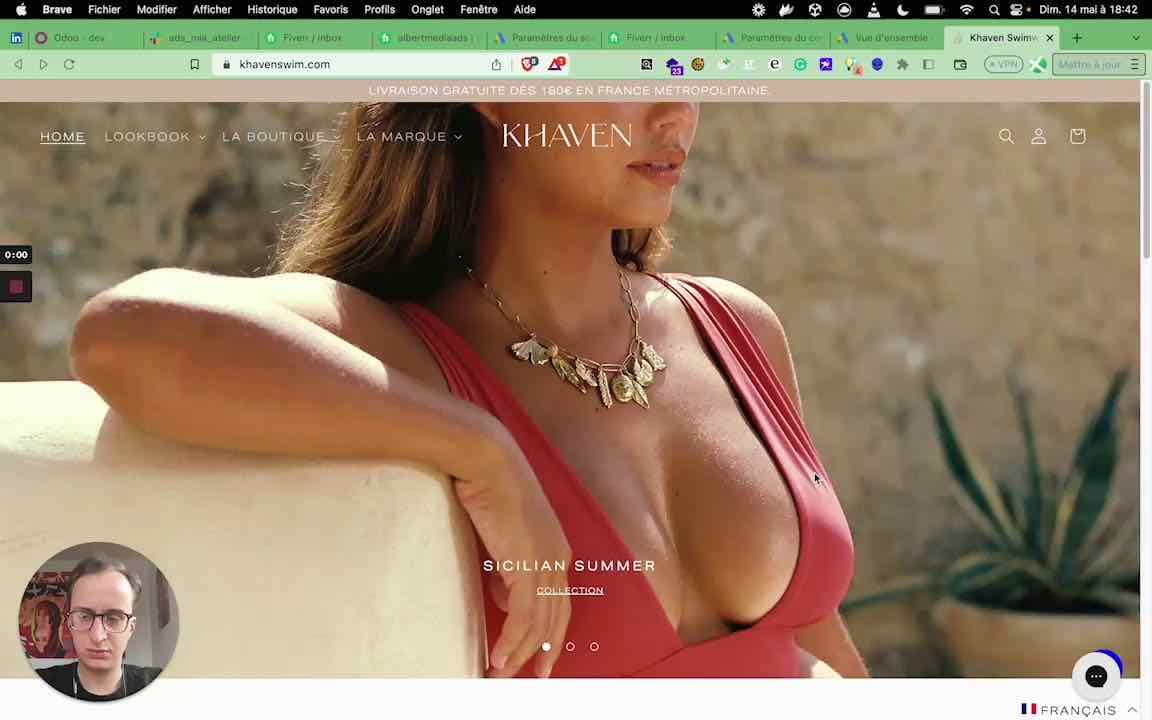
Swimwear brand: a ROAS of 10
Watch the video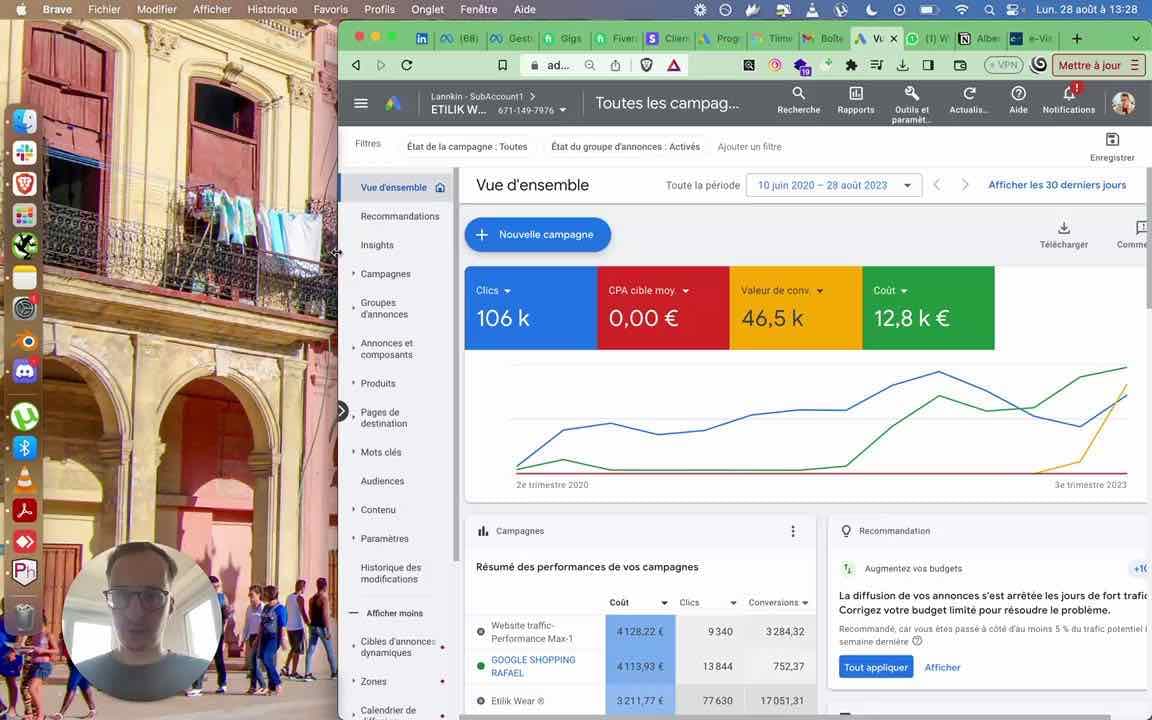 6 min 43 s
Google Ads · Shopify / e-commerce
Print on Demand: €20,000/month in revenue with Google Ads
Watch the video 1 min 41 s
Shopify / e-commerce · Google Ads
Utilimix: more than €800,000 in revenue with a kitchen robot
Watch the video
Google Shopping, on video
- 1:59

Google Ads Shopping campaign: ROAS bidding and high priority
@albertdelannkin
TranscriptClose
Transcript
- 1:31

E-commerce case study: a profitable Performance Max campaign
@albertdelannkin
TranscriptClose
Transcript
- 3:01

Analyzing Performance Max with Mike Rhodes' script
@albertdelannkin
TranscriptClose
Transcript
Frequently asked questions
Do I need a Merchant Center account to run Google Shopping?
Yes. Shopping campaigns read the product feed hosted in Google Merchant Center. The account has to be verified for your domain, and its shipping and returns information must match the store's.
How do I connect a Shopify store to Google Shopping?
With Shopify's Google & YouTube app, which sends products to Merchant Center and keeps prices and stock up to date. The Merchant Center account is then linked to the Google Ads account that runs the campaigns.
Standard Shopping or Performance Max: which should I choose?
Standard Shopping keeps control over products and queries; Performance Max runs on more placements but gives less control. Both can run side by side once conversion tracking is reliable.
How much does it cost to manage my Shopping campaigns?
Management is €900 excl. VAT per month. The ad budget is paid directly to Google, on top of management.
Why are my products not showing on Google Shopping?
Most often: products disapproved in Merchant Center (missing data, inconsistent price or availability), a suspended account, or a campaign whose bids or budget are too low. The diagnosis always starts in the Merchant Center Products tab.

Price
€900/month excl. VAT
Ad budget paid to Google on top.
Monthly Google Ads management · €900/month excl. VAT
Weekly check-in, unlimited campaign creation, monthly report.
Google Ads management for large accounts · €1,200/month excl. VAT
For accounts that spend more than €10,000 a month on advertising: check-in every 2 days, unlimited campaign creation.
Google Ads conversion tag setup · €600 excl. VAT
Conversion tracking set up between your website and Google Ads (not Google Analytics). One-time payment.
Google Ads account audit · €100 excl. VAT
Audit of your Google Ads account, with recommendations.
Merchant Center sync plugin · €5/month excl. VAT
Product catalog sync with Google Merchant Center, on top of management.
Prices excl. VAT. Secure payment by Stripe, invoice by email. Businesses only.

A question before you start?
Google Shopping Ads campaign for Shopify
Services