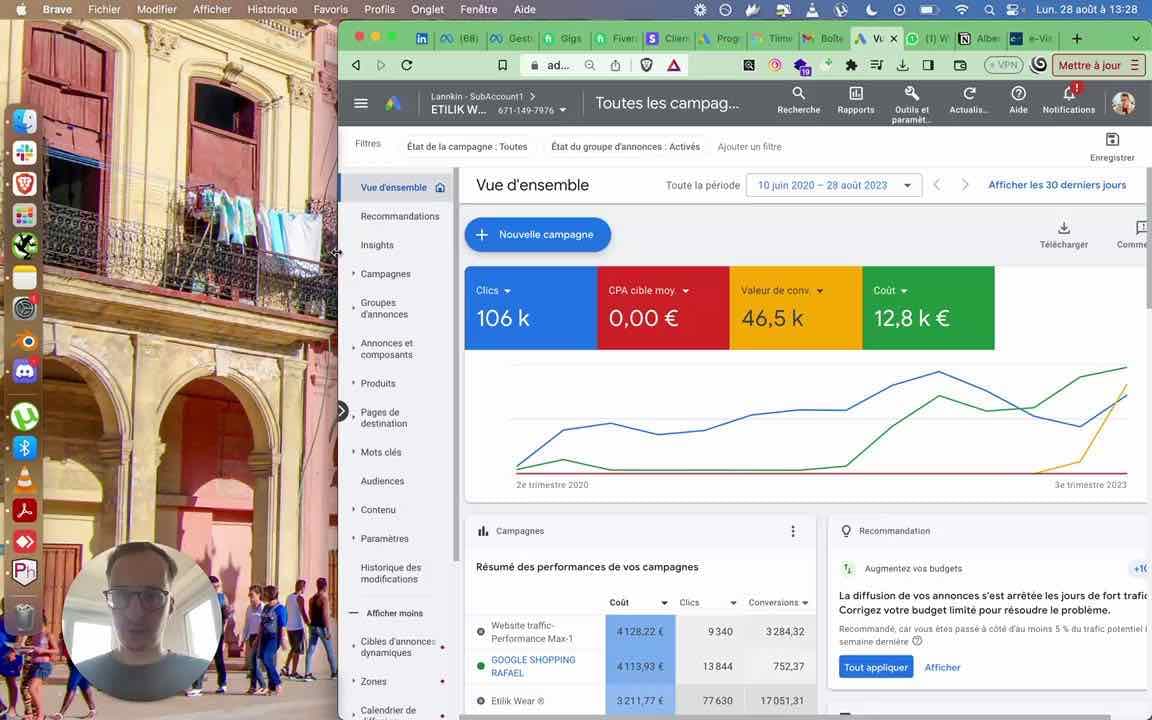


Shopping campaigns on Google Ads show your products directly in search results, with an image, a price and the merchant's name. This guide covers the official procedure from the PDF in full so you can set up an optimized campaign. To maximize your results, combine this strategy with our Google Ads account rental services to run several campaigns at the same time.
1. Technical prerequisites
Before you start, make sure you have:
- A working computer with a stable internet connection
- An active Google Ads account
- A Merchant Center account linked to your product catalog
2. Accessing the ad account
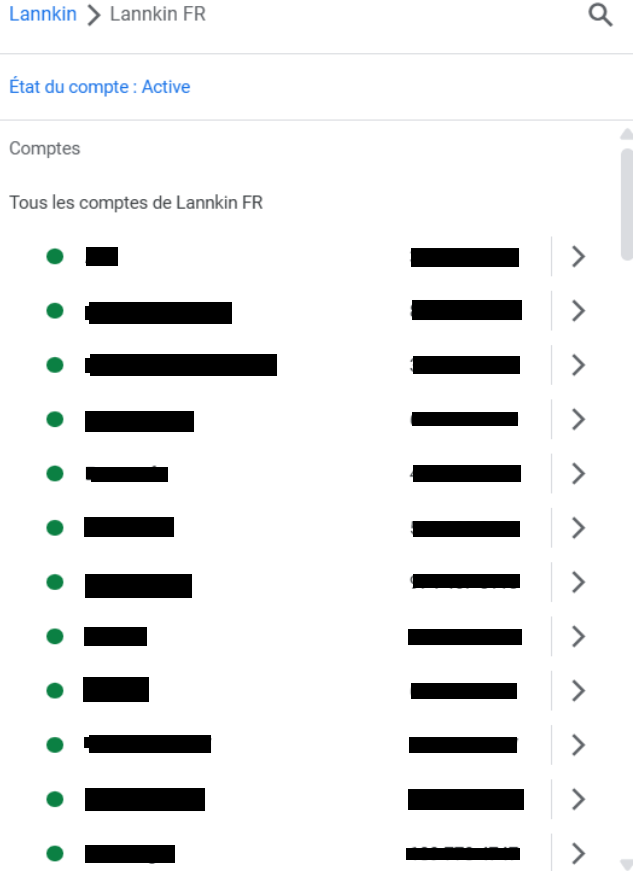
- Sign in to Google Ads
- Select the right client account from the list:
- Example: "E******" (ID: *************)
- Example: "Y*******" (ID: ************)
- Check that the account status is "Active"
3. Creating the campaign
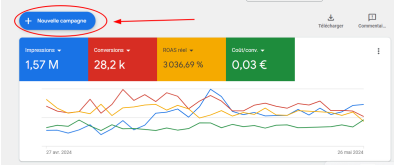
Step 3.1: New campaign
- Click "+ New campaign"
- Select the "Sales" objective
Step 3.2: Campaign type
- Choose "Shopping"
- Do not confuse it with "Search" or "Display"
4. Advanced settings
4.1 Budget and bidding
- Set a daily budget (start with €20/day)
- Bid strategy: go for "Conversions" with a target cost
4.2 Networks
- Be sure to uncheck:
- Display Network
- Search partners
(To avoid wasted spend)
4.3 Location targeting
- Select the areas where you actually sell
- Enable the "Presence" option to target only users physically located in the area
5. Managing products
- Link your Merchant Center account
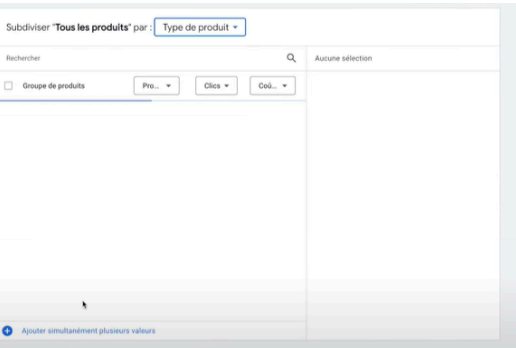
- Select the products to promote:
- By category
- By best sellers
- By profit margin
- Create themed ad groups
Tip: To manage large catalogs, our CRM tools automate segmentation.
6. Best practices
- Product images : high resolution, white background
- Titles : include brand + model + key features
- Prices : always up to date and competitive
- Monitoring : check performance daily
Key takeaways
- A Shopping campaign requires a Merchant Center account
- Location targeting must be extremely precise
- Product segmentation is crucial
- Always turn off irrelevant networks
Want to go further? Read our guide on optimizing Google Ads campaigns.
Mini FAQ
Q: How many products per campaign?
→ A maximum of 1,000 products per campaign, but segment by category for better efficiency.
Q: How do I optimize ROI?
→ Gradually exclude underperforming products and increase the budget on best sellers.
Q: Can I target several countries?
→ Yes, but create separate campaigns by currency and language.