

Google Merchant Center Setup Assistance
Boost your visibility and generate more sales with an optimized Merchant Center account, ready to use. Our solution lets you display your products…


More than 6 years of SEO and Google Ads, working with you directly.
Albert Lanne
SEO consultant · Google Partner
Setting up your Merchant Center account
On video · @albertdelannkin
Suspended Merchant Center account: how to get it reinstated
Vague error message, no answer from Google: Albert gets suspended Merchant Center accounts reinstated by identifying the real causes and the fixes to make.
Transcript


Showcase your products on Google
Boost your visibility and generate more sales with an optimized Merchant Center account, ready to use. Our solution lets you display your products directly in Google search results, paying only for the clicks that send users to your website.
Why choose our offer?
Maximum visibility: attract new customers with appealing product ads that catch their attention.
Pay for performance: pay only for clicks, an ideal way to scale your business with full flexibility.
Optimized accounts: get an account configured to maximize your return on investment (ROI).
Detailed analysis: track your performance with advanced analytics tools and make strategic decisions.
Our offer includes
Complete Merchant Center account setup: a ready-to-use account, delivered in 7 days.
Optimized product catalog: showcase your products with effective listings adapted to search engines.
Advanced analytics tools: measure and optimize your campaigns to maximize your ROI.
Personalized technical support: our experts answer all your questions and guide you step by step.
Replacement guarantee: account replaced within 48 hours if there is a problem.

The diagnosis
Understand the suspension before appealing
A suspended account gets reinstated by fixing what the platform objects to: shipping information, returns, legal notices, consistency between the ad and the landing page.
Delivery time
Account ready in 7 business days.
Invest in your business's success today!
Get ahead of your competitors and stand out in Google search results with our turnkey solution.
Contact us now to get started!
Prerequisites before opening the account
Merchant Center checks your website before accepting your products. Opening the account is quick; getting it approved requires the store to be ready.
On the website side
- A domain name of your own, which can be verified and claimed. The guide setting up a professional domain name on Shopify covers this point.
- Visible, complete pages: legal notice, terms of sale, shipping, returns and refunds, contact options.
- A checkout that works, with prices and availability identical to those sent to Google.
On the business side
- Business information that is consistent across the website, Merchant Center and Google Ads.
- A Google Ads account to link in order to run Shopping ads.
How the assistance works
- Store review: I identify what is likely to block approval before creating anything.
- Creation and configuration: business information, website verification and claim, shipping, returns, taxes depending on your situation.
- Product feed submission: through the Google & YouTube app for a Shopify store, or by file or feed depending on your platform.
- Fixing disapprovals: reviewing the Products tab and diagnostics, fixing missing or inconsistent attributes.
- Linking to Google Ads: the account is linked so you can launch a Shopping or Performance Max campaign.
For a Shopify store, the procedure is detailed in setting up Shopify with Google Merchant Center and Google Ads.
The errors that block a Merchant Center account
- Different shipping or return information between the website and the account.
- Prices or stock out of sync between the product page and the feed.
- Missing or unverifiable contact details on the website.
- Unsubstantiated claims: discounts, delivery times or reviews displayed without justification.
Suspension for misrepresentation is the most common reason on new stores. My checklist for a Merchant Center suspended for misrepresentation lists the points to fix. If your account is already suspended, the suspended Merchant Center page describes the help available, with no guarantee of reinstatement since the decision belongs to Google.
After setup: launching the ads
An approved account does not run anything on its own. You then need a campaign in Google Ads, with purchase tracking to steer bids. I can take care of the next step with a Google Shopping campaign for Shopify.
The assistance is quote-based, depending on the state of the store and the number of products to fix. The quote is free, and I answer within 24 hours on weekdays.
TikTok videos
The work, shown on screen
Suspended accounts: the causes to fix
- 0:16

Google Ads account suspended: get it reactivated fast
@albertdelannkin
TranscriptClose
Transcript
- 1:16
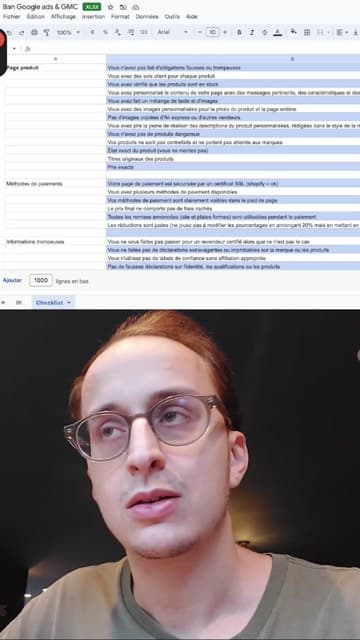
Merchant Center suspended for misrepresentation: the causes to fix
@albertdelannkin
TranscriptClose
Transcript
- 0:51
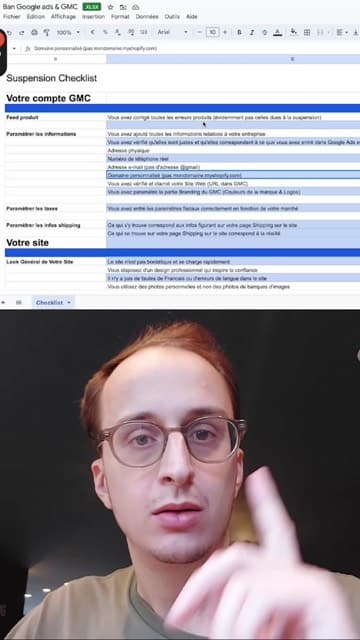
Stripe and Google blocking your store? The checklist to follow
@albertdelannkin
TranscriptClose
Transcript
- 0:21

Google Merchant Center account suspended: get expert help
@albertdelannkin
TranscriptClose
Transcript
- 0:20

Google Ads account suspended: a service to get it reinstated
@albertdelannkin
TranscriptClose
Transcript
Frequently asked questions
What is Google Merchant Center for?
It hosts your product information (titles, prices, stock, images) and makes it available for Shopping ads and Google's free product listings. Without Merchant Center, there is no Shopping campaign.
Can Merchant Center be used without paying for ads?
Yes, to some extent: an approved account lets you appear in Google's free product listings. Paid placements, however, require a linked Google Ads campaign.
Why are my products disapproved?
Most often because of missing attributes, prices or availability that do not match the product page, or inconsistent shipping and return information. Merchant Center diagnostics show the reason product by product.
Do I need a Shopify store?
No. Shopify makes syncing easier thanks to the Google & YouTube app, but a product feed can be sent from other platforms or by file.
How much does the setup assistance cost?
It is quote-based, depending on the state of your store and the number of products. The quote is free, with an answer within 24 hours on weekdays.

Price
On quote
Describe your project: I'll get back to you within 24 hours on weekdays with a proposal tailored to your needs.

Request a quote
Google Merchant Center Setup Assistance

Related services
On the blog
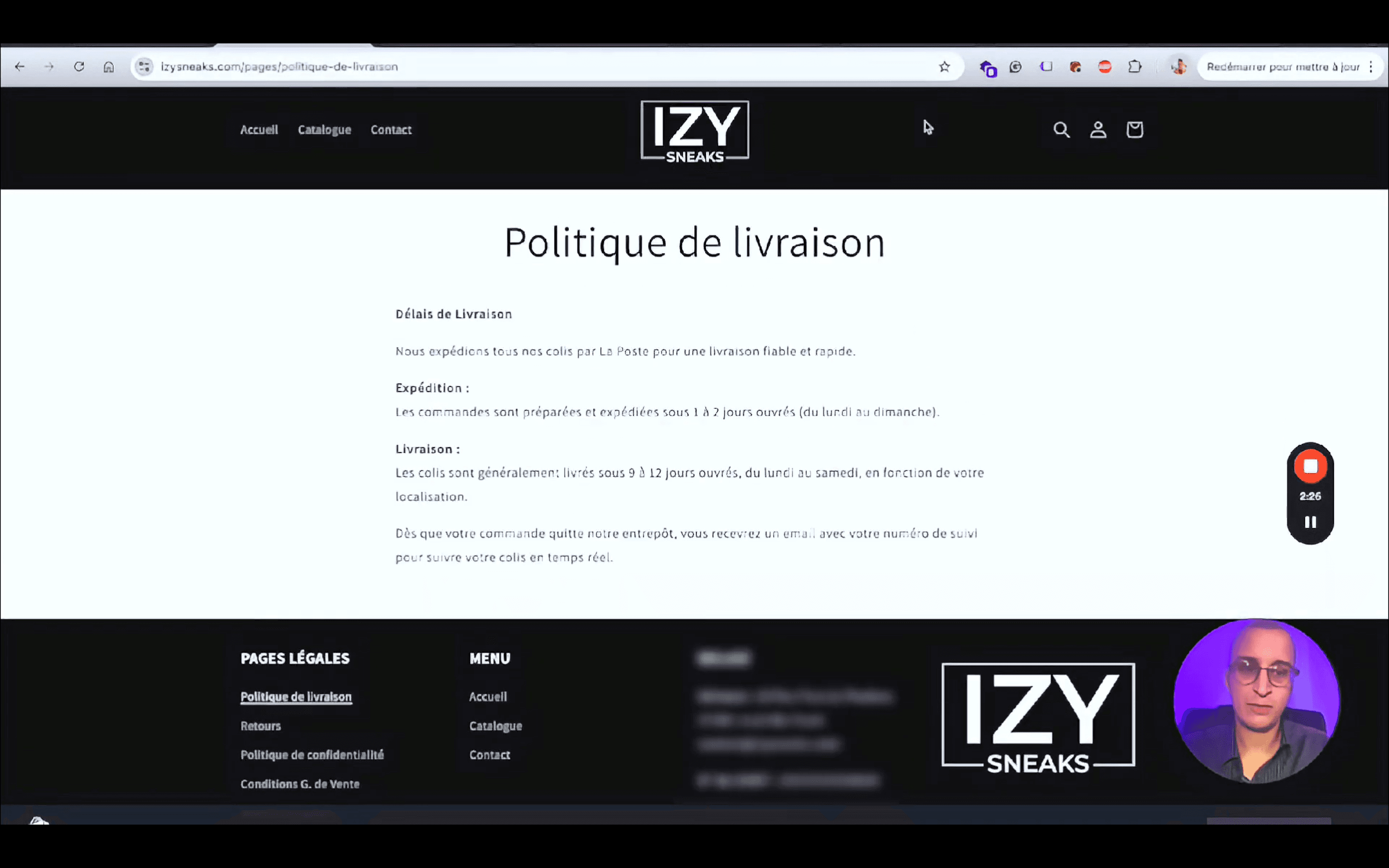


This service is part of
Your project
Free quote