


Blend4Web has not been developed for years, and yet people still use it. I am one of them. In March 2020, I opened a Discord server to bring together those who keep publishing 3D scenes on the web with this engine. We share code, materials, finished projects and a lot of mutual help. If you still use Blend4Web, you are not alone: join the community on Discord.
In this article, I introduce the engine, what it is still worth today, what the community has built with it, and why I think WebGL has a real future in one specific sector: jewelry.
What is Blend4Web?
Blend4Web is an open source WebGL engine designed for Blender. You model, light and animate your scene in Blender, then the add-on exports it as an application that runs directly in the browser, with no plugin. Interactions are written in JavaScript using the engine's API (scene, transform, camera, geometry modules…).
Its strengths have always been the same:
- Rendering faithful to Blender: node-based materials, lighting and animations move from the software to the browser without redoing everything.
- The SDK's project manager, which creates, builds, imports and exports complete projects, with demos to take apart.
- Scene weight: well optimized, a Blend4Web project loads quickly, even when it is rich in detail.
Can you still use Blend4Web in 2026?
Yes, as long as you know its limits. The most important one: Blend4Web only works with Blender 2.79. It is not compatible with Blender 2.8 and later versions, and the engine no longer receives official updates. In practice, you need to keep a Blender 2.79 installation dedicated to these projects.
What still works very well: product viewers, configurators, small educational scenes and mini-games. Discord members still publish projects that run on desktop and mobile, in Chrome and Firefox.
What calls for caution: recent devices and browsers can bring surprises (a scene that looks dark on one phone and perfect on another), and an old PC can lose the WebGL context and freeze the page. Always test on several devices before delivering.
A Discord community that is still active
I created the server on March 8, 2020 with a simple idea: gather useful links, downloads and tutorials in one place, and let everyone contribute their own. Six years later, the conversation goes on. Long-time users answer questions, test each other's projects and review code.
The server is organized around a few uses:
- Useful resources: the official manual, API documentation, community tutorials, YouTube channels dedicated to Blender and Blend4Web, WebGL optimization guides.
- Project sharing: everyone posts their finished or in-progress scenes, with a link to test them in the browser.
- Technical help: bugs, optimization, technical choices, mobile test feedback.
- Keeping up to date: Three.js, Verge3D, texture compression, new material creation tools.
Join the Blend4Web Discord: it is free, and beginners are welcome.
Projects created by members
The best argument for Blend4Web is the projects the community keeps publishing. Here are a few of them.
Balance, a retro game playable on mobile
In October 2026, stewet, a teacher and early member, published Balance, a retro game set in a handheld miniature football box. It works on mobile (tested in Firefox and Chrome) with a full-screen mode, and a German version was added on release day.
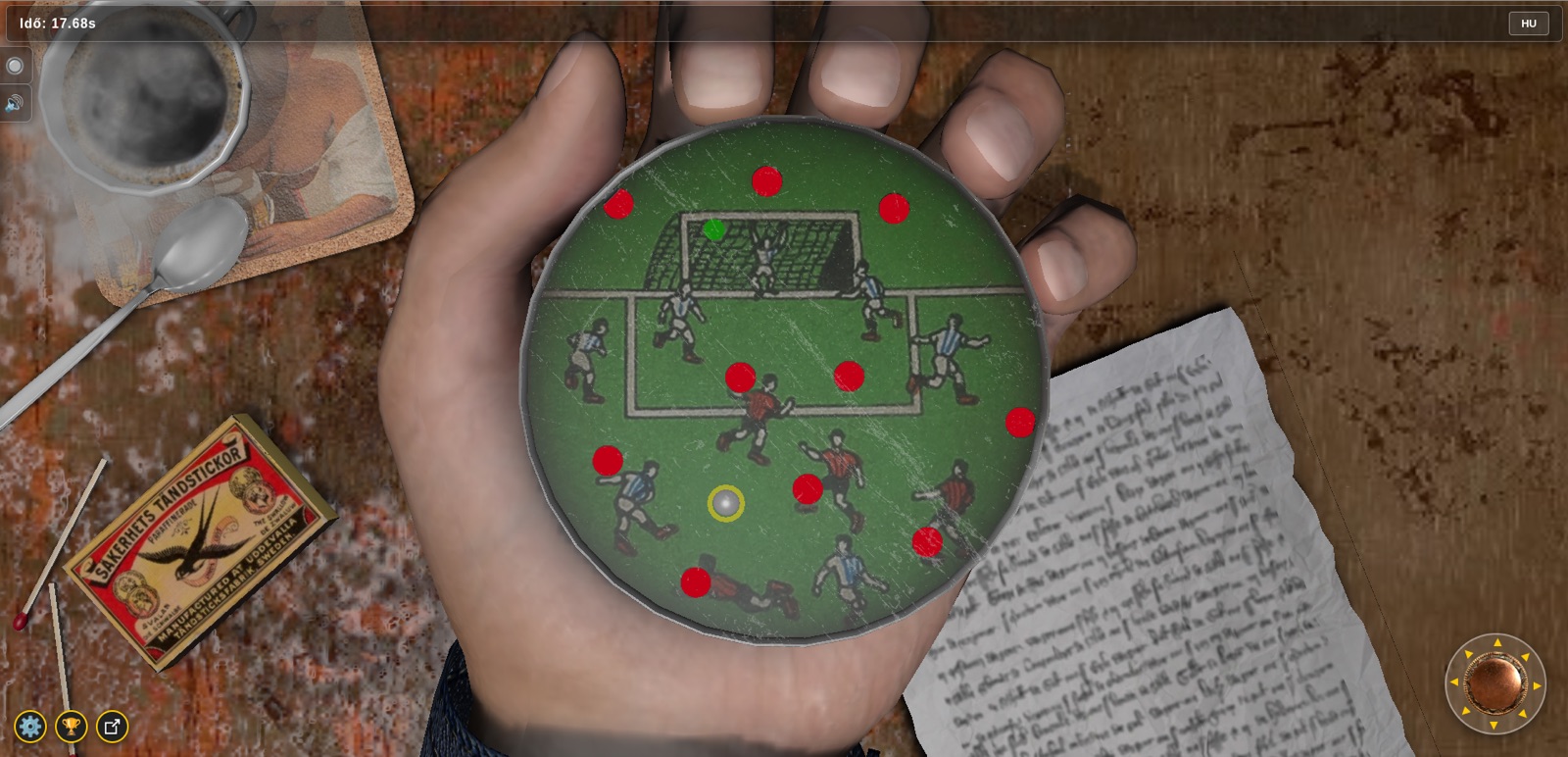
Before that, stewet created a whole set of educational scenes for his students: Oersted's experiment, an electric motor, an LED, a light bulb, a wind turbine, a multimeter, a sine curve, the history of electrical engineering, and even his school's art gallery. His Matchbox game was developed with the help of other members, who tracked down the bugs one by one.
Tea Time and working with materials
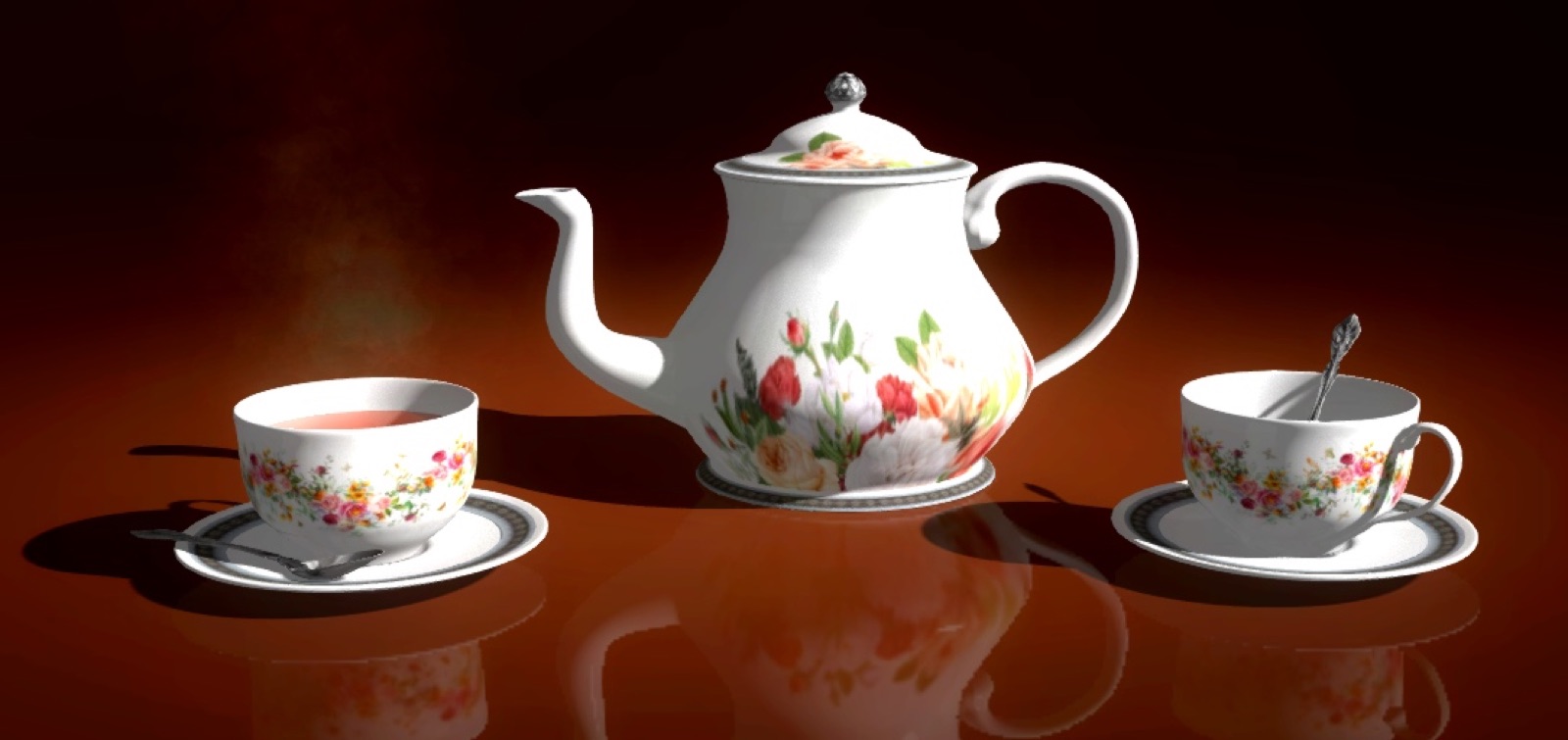
blend4life, one of the most active members, published several scenes that have become references on the server, including “Tea Time”, a decorated ceramic tea set. He shared the node setup of the ceramic material and its textures (cubemap, decal, normals) so everyone could reuse it.
The Train, proof that a detailed scene can stay light
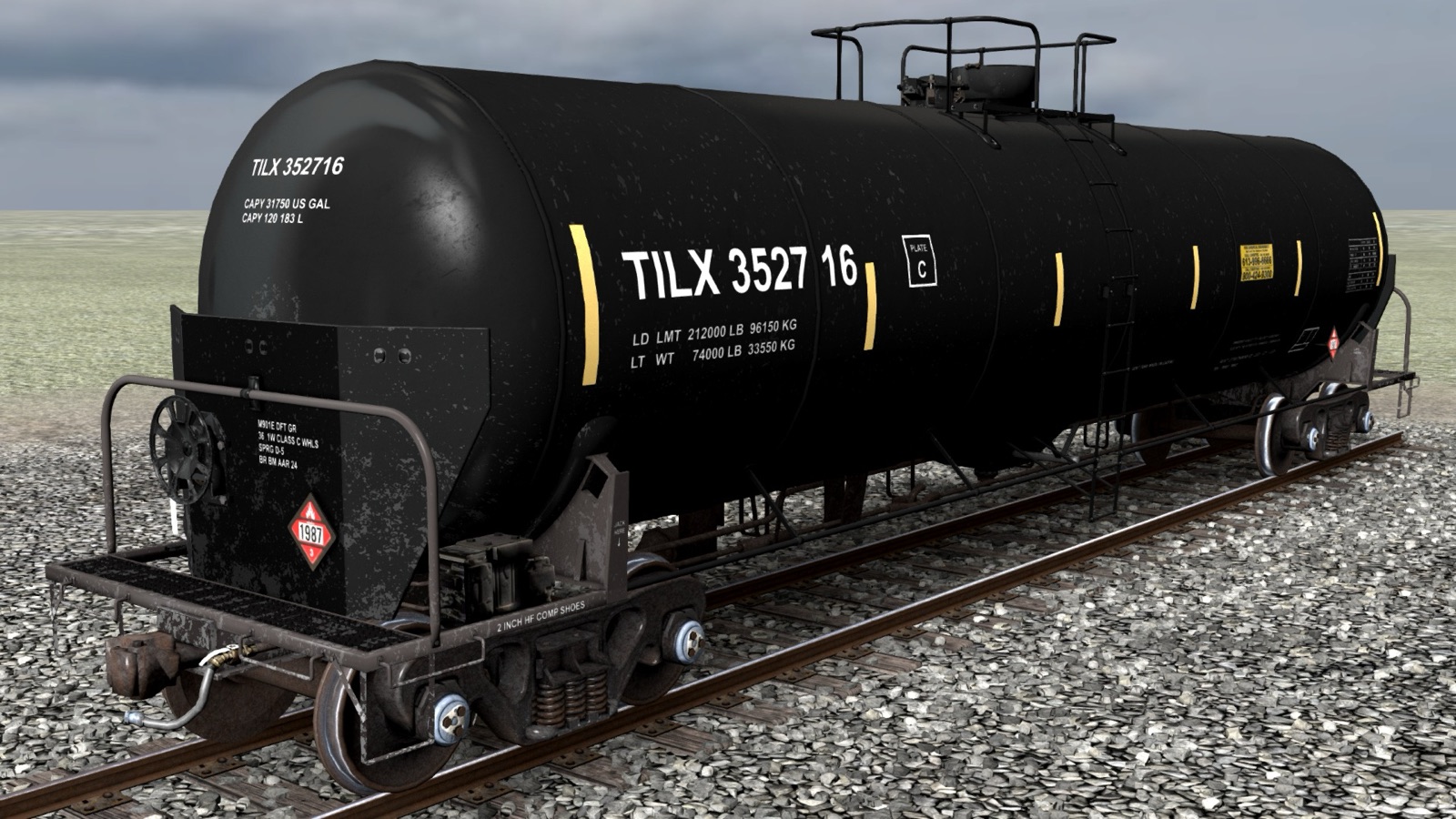
His “Train” project served as an example in a discussion about scene weight: about 21 MB for a very detailed model, compared with 56 MB for a simple helmet published with another engine and spotted on a website. The difference comes down to optimization, especially instancing of repeated elements.
Jewelry and configurators
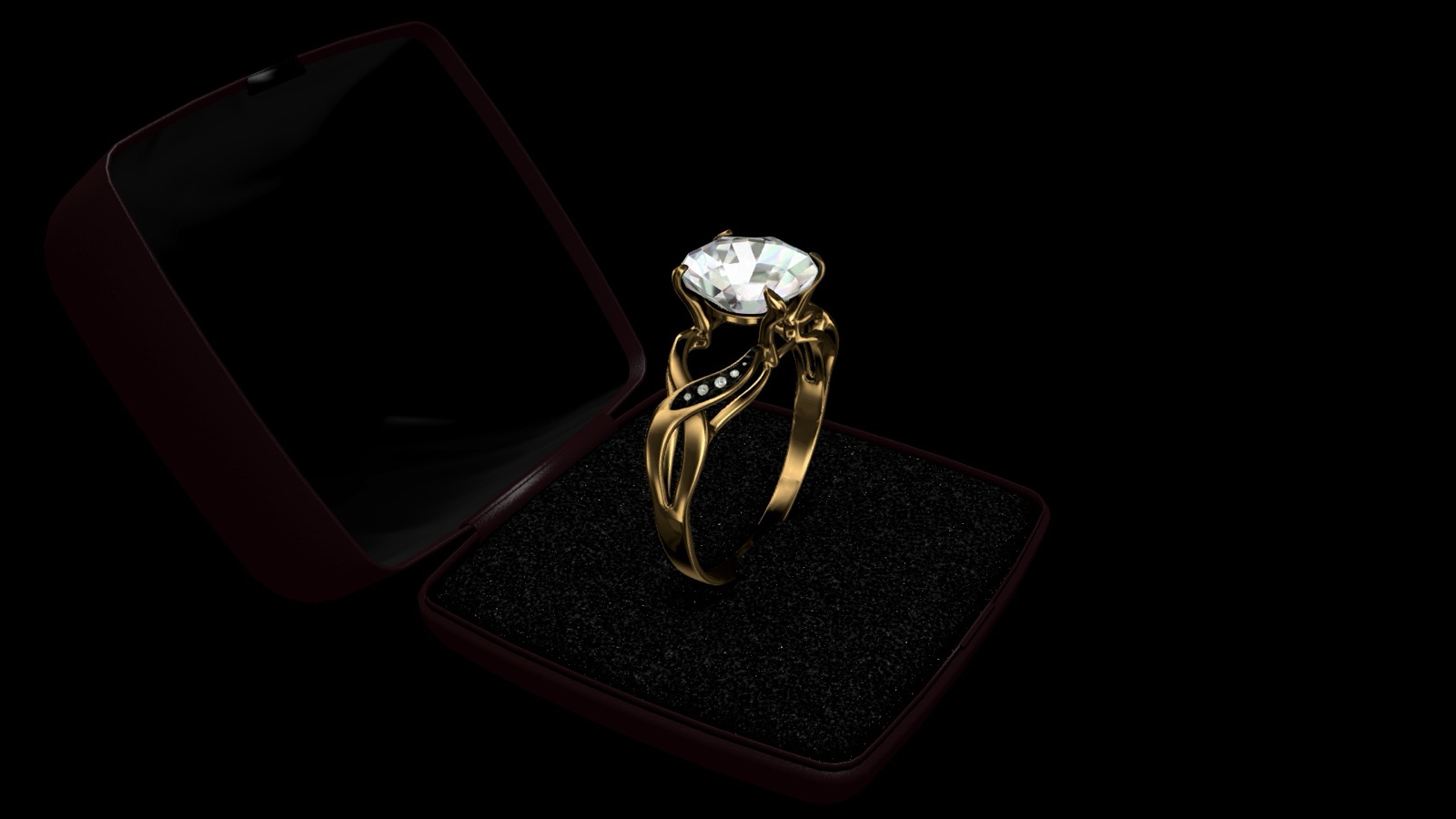
blend4life also published “Jewelry”, a gold ring set with diamonds, and shared his diamond material, ready to import from the project manager. For my part, at the end of 2020 I built a ring configurator (vibranium, quartz or diamond) integrated into a Shopify store without an iframe, then in January 2021 another project with real-time engraving. I come back to this below.
What the community shares: technical tips
Over the course of the discussions, the server has become a small knowledge base. A few examples of topics covered:
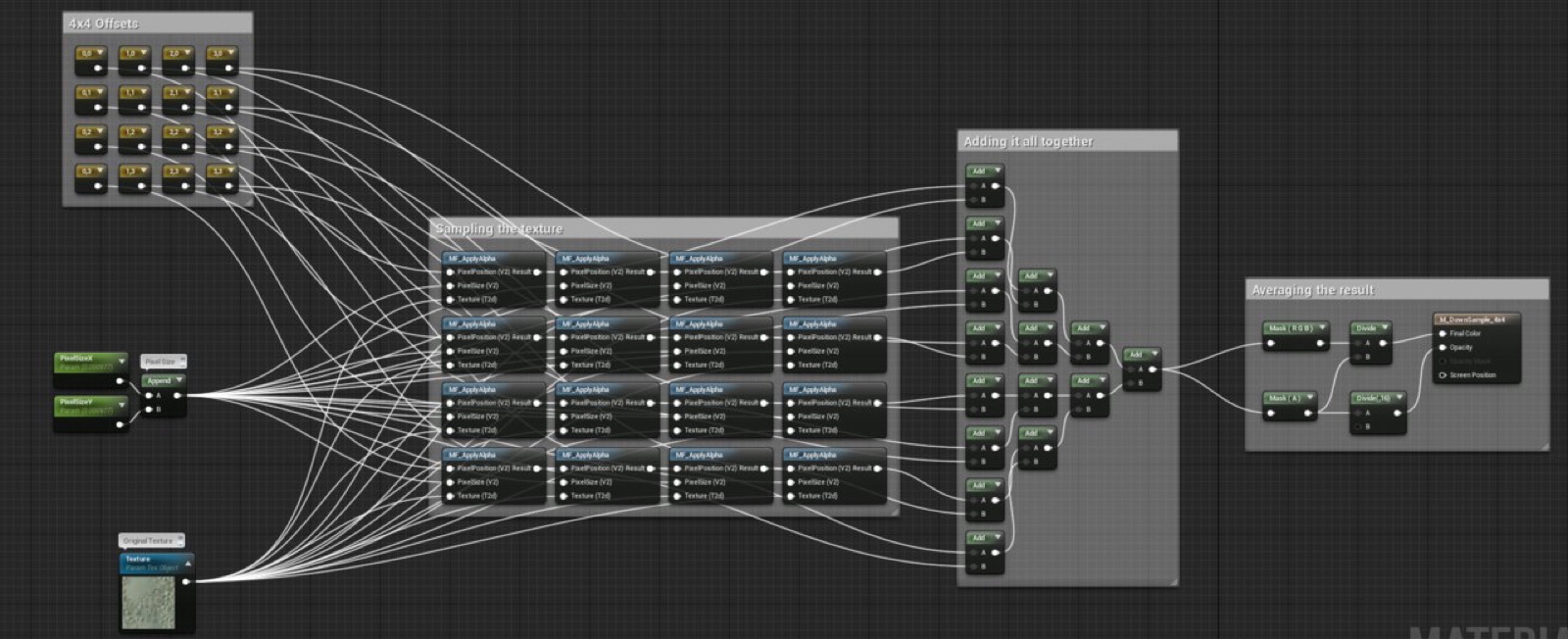
- Animating textures: a thread by the Blend4Web developers shows the node setups to animate UV coordinates (flowing water, liquid in a carafe, a glowing ring). A member also shared JavaScript functions to scroll, zoom, rotate or project texture coordinates by script.
- Lightening a large scene: instance everything that repeats (walls, columns, chairs, benches), use levels of detail, and switch to particles when the number of objects gets very large. The Flight Over Island and Petigor demos serve as models.
- Splitting a project: the “cartoon_interior” demo in the project manager shows how to load objects from separate files.
- JavaScript pitfalls: never test strict equality between floating-point numbers (use ranges instead), check your camera quaternions, simplify how you retrieve values (
get_translation(obj)rather than two mixed syntaxes). - Project usability: volume control, text that is readable on a small screen, sound that only starts after a user action.
Blend4Web, Verge3D or Three.js: which to choose today?
This is the question that comes up most often on the server, and members answer it without bias.
- Blend4Web is still relevant if you already know Blender 2.79 and its tools, or if you maintain existing projects. It is free and open source, but frozen.
- Verge3D, developed by Soft8Soft, is its closest successor: it follows very similar logic and is compatible with recent versions of Blender. A license is required for commercial use.
- Three.js offers the most recent technologies (model compression with Draco, textures compressed in the Basis format, the glTF format) but requires more code. For those coming from React, React Three Fiber and Drei make the work much simpler. Several members have moved to Three.js, which does not stop them from continuing the conversation on the Discord.
My advice: for a new commercial project, go with a maintained tool. To learn real-time 3D, test an idea or pick up an old project, Blend4Web is still an excellent playground.
WebGL for jewelry: 3D configurators
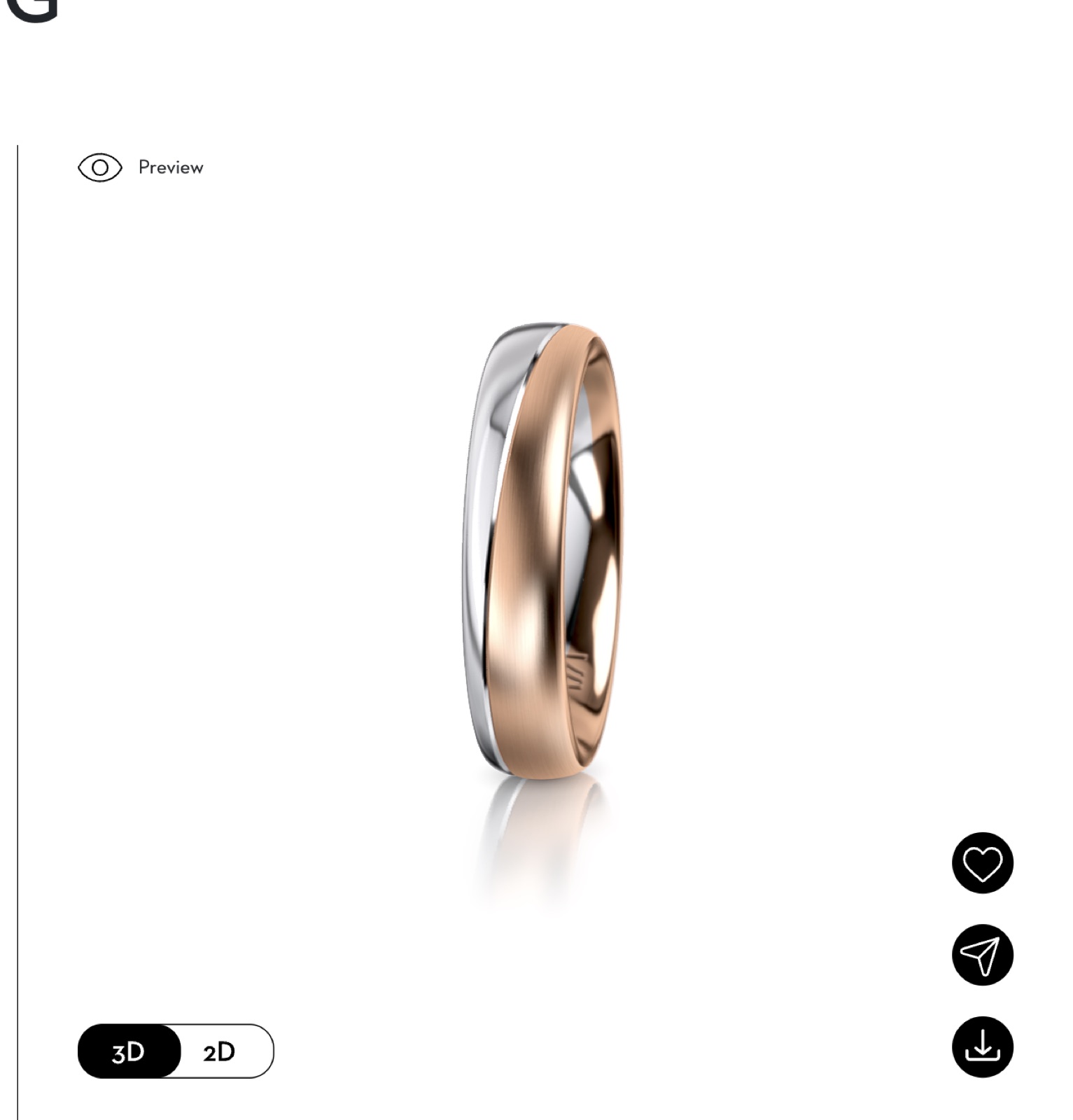
This is the topic I want to develop in the coming years, and we have already built several wedding ring configurators, which you can see in the screenshots here. Jewelry sells on details: the color of the metal, the shape of the stone, the finish, the engraving. A photo shows a single combination. A 3D configurator shows them all, and lets the customer rotate the ring from every angle before buying.
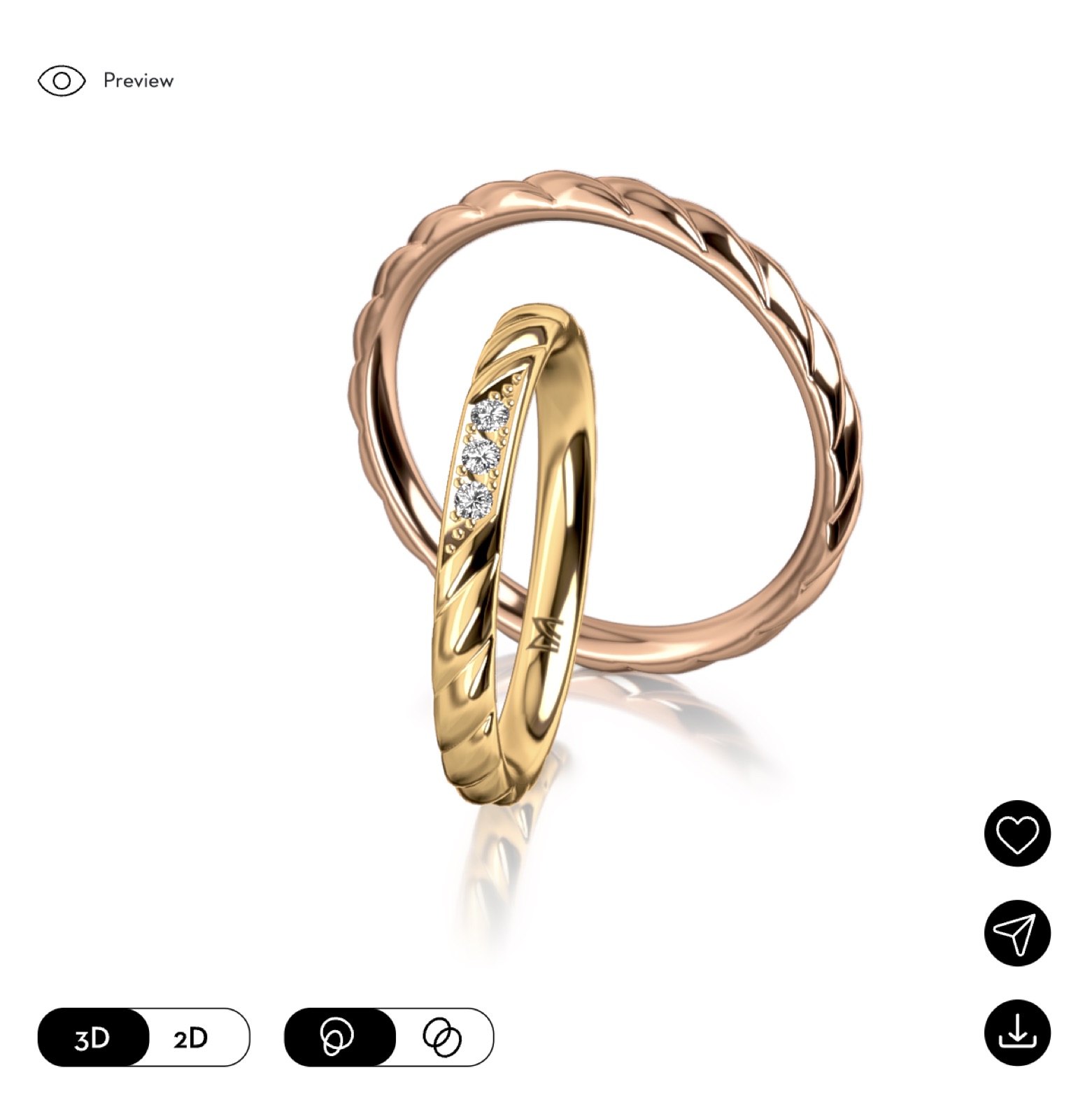
I talked about it in this video, based on the store of a Swiss jeweler where you customize your ring in real-time 3D:
What a jewelry configurator makes possible in practice:
- Choosing the metal (yellow, rose, white or two-tone gold) and seeing the result immediately.
- Changing the stone and the setting, with a convincing diamond material in real time.
- Previewing an engraving before ordering.
- Sharing or downloading the design to show it to a loved one or to the jeweler.
There is also an advertising benefit. In 2021, I created a 3D display ad with Google Web Designer from a glTF file. A jewelry model created for the configurator can therefore be used a second time in advertising: the time spent modeling it pays off across several channels.
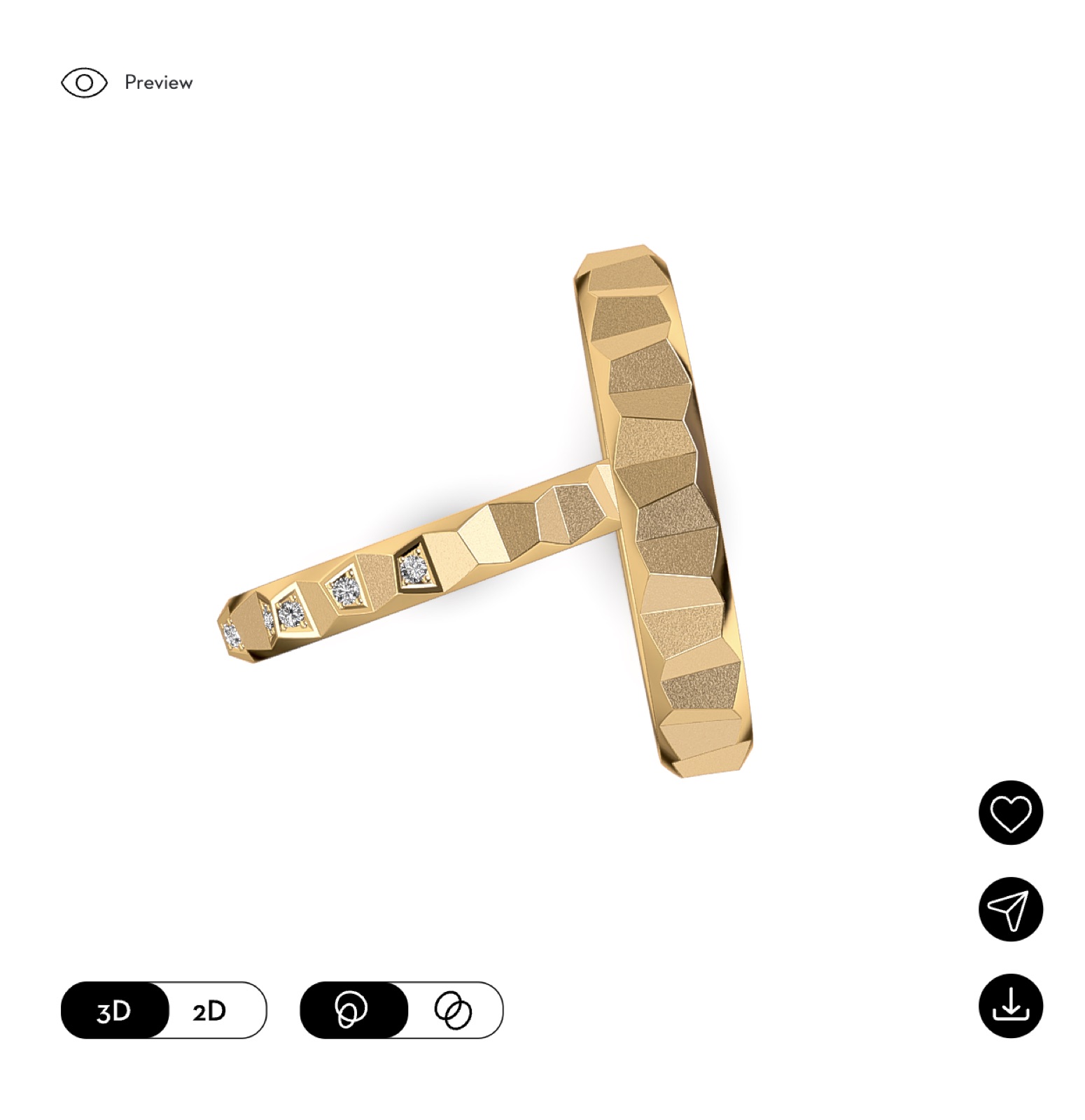
The points to get right are always the same: a lightweight model so the page loads quickly on mobile, realistic metal and diamond materials, and a clean integration with the online store. If you are a jeweler, a designer or an ecommerce business and the subject interests you, let's talk about your 3D configurator project. You can also look at my service interactive scenario with WebGL and Three.js for the web.
How to join the community
- Open the invitation link: discord.gg/HTSJhEX.
- Introduce yourself in a few words and say what you are working on.
- Browse the useful resources channel: manual, API documentation, tutorials, materials to import.
- Share your projects, even unfinished ones: members' feedback saves a lot of time.
Conversations are mostly in English.
Frequently asked questions
Is Blend4Web still maintained?
No, the engine no longer receives official updates. It can still be used with Blender 2.79, and the community keeps helping each other to run it.
Does Blend4Web work with Blender 4?
No. Blend4Web is only compatible with Blender 2.79. To work with a recent version of Blender, turn to Verge3D or to a glTF export used with Three.js.
Does a Blend4Web scene work on mobile?
Yes, several recent community projects run on phones. Still, test on several devices and browsers, because rendering can vary from one model to another.
Is the Discord only for experts?
No. Beginners ask their questions there, and experienced members take the time to answer and review code.
Can you build a jewelry configurator with WebGL?
Yes, it is even one of the most convincing uses of WebGL: choice of metal, stone, engraving and 360° rotation directly on the product page. Contact me to discuss it.
If you are also interested in AI applied to 3D, read my hands-on review Claude and Blender: what AI can (and cannot yet) do in 3D.