

WordPress Trainer FR/EN
We regularly train professionals in France and internationally, with a practical approach adapted to the specific needs of each sector. Our expertise…


More than 6 years of SEO and Google Ads, working with you directly.
Albert Lanne
SEO consultant · Google Partner
1. Who is this training for?
On video · @albertdelannkin
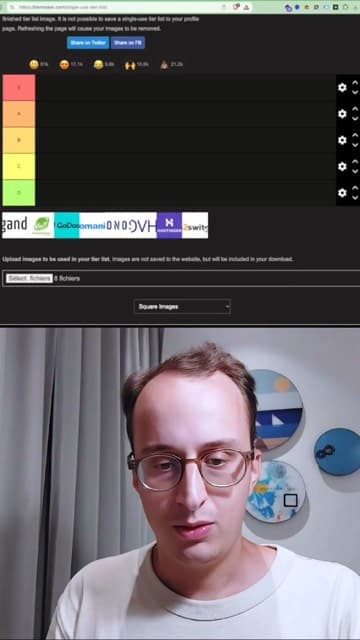
Web hosting tier list: which host to choose for your website
Albert ranks Gandi, PlanetHoster, GoDaddy, Infomaniak, OVH, Ionos, Hostinger and o2switch by price and customer service. Infomaniak comes out on top; Ionos and GoDaddy are not recommended.
Transcript

2. What the service includes
BASIC package: €150 excl. VAT
- A complete introduction to WordPress: installation, configuration and getting started
- Discovering the interface, themes and essential plugins
- Step-by-step tutorials presented in video and PDF documents
- Email support for 7 days
- Resources delivered within 7 days
STANDARD package: €400 excl. VAT
- All services in the BASIC package
- Advanced theme customization (CSS, widgets, menus)
- Building a complete website (blog, e-commerce, portfolio)
- Introduction to basic SEO for WordPress
- Video call assistance to answer your questions
- Delivery within 7 days
Training
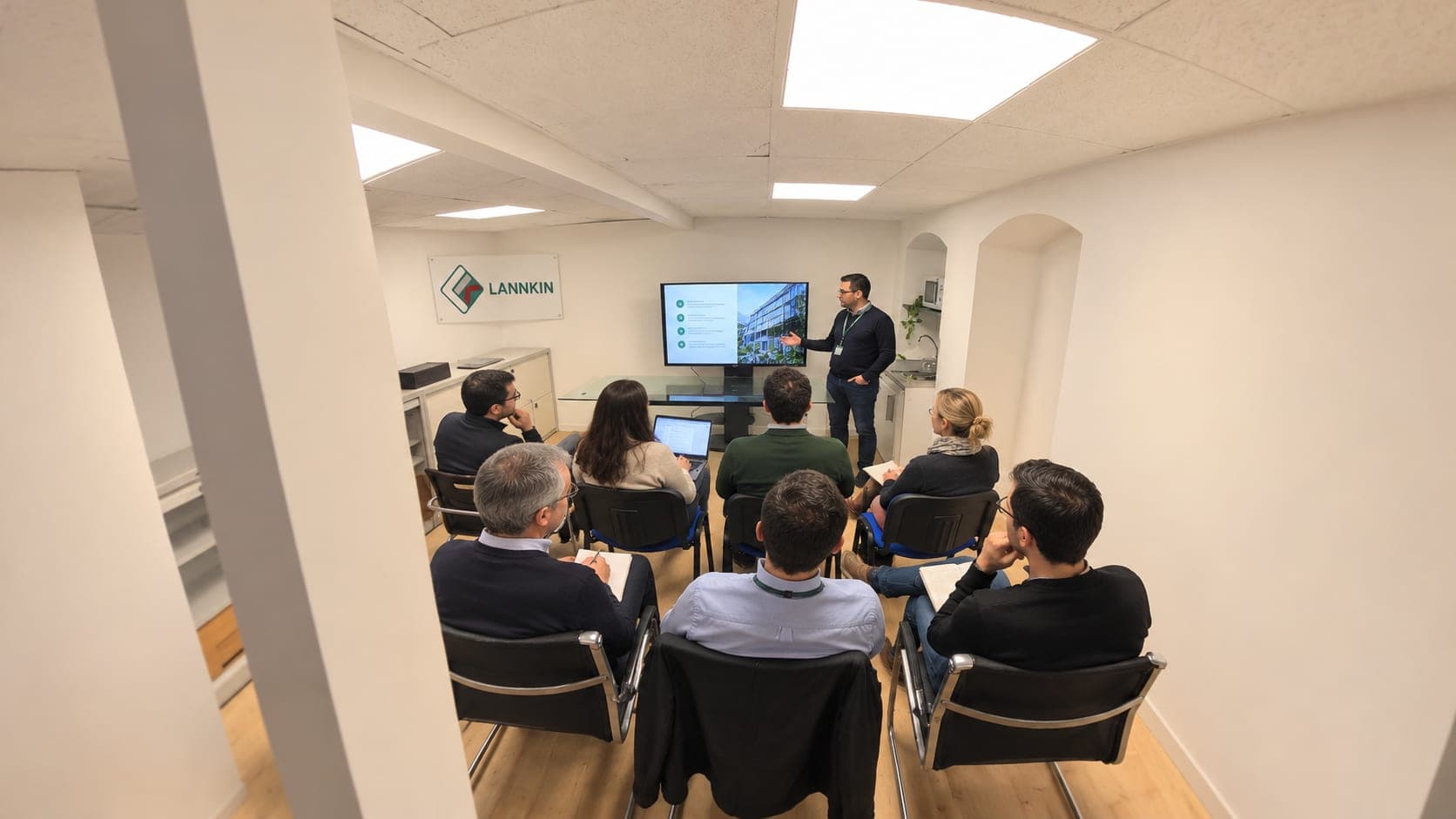
In person or by video call
Training sessions take place in person or by video call, in French and in English, on your own accounts and your own cases.
3. Our day-to-day support
We regularly train professionals in France and internationally, with a practical approach adapted to the specific needs of each sector. Our expertise covers building fast, responsive, SEO-optimized websites. We offer bilingual support (French/English) and personalized follow-up to ensure your success on WordPress.
4. Recommended additional services
- Shopify Trainer: I teach entrepreneurs how to create and run their online store with Shopify, from setup to sales.
- Screaming Frog Trainer FR/EN: I teach how to use Screaming Frog for technical SEO audits, in French and English, for beginners and professionals alike.
- Branding Trainer FR/EN: I help brands and entrepreneurs build a strong, consistent image, in French and English.
The program, from dashboard to going live
Getting started
The difference between posts and pages, media, menus, users and roles. We then set permalinks, language and reading settings before writing the first page.
Theme and page builder
Choosing a maintained theme, customizing it without touching its code, using the block editor or a builder like Elementor without weighing the website down.
Plugins
Install few plugins, but the right ones: SEO, forms, backups, security, caching. Each plugin added is one more update to keep track of.
Content and SEO
Titles, page structure, images, internal links. To go further on this side, the SEO training takes over.
Maintaining your website without a provider
A WordPress website needs regular maintenance. In the training, we set up a simple routine:
- Automatic backups, stored somewhere other than the server.
- Core, theme and plugin updates, after a backup.
- Removing unused plugins.
- Checking contact forms after each update.
- Checking indexing in Search Console.
To check the technical health of a larger website, the Screaming Frog training teaches you to spot broken links, redirects and duplicate pages.
Securing your WordPress website
Security is part of the training from the start, not an option:
- Strong passwords and one account per person, with the most limited role possible.
- No plugin or theme downloaded outside the official sources or the developer's own site.
- One properly configured security plugin rather than several overlapping ones.
- A clear procedure for restoring a backup if something goes wrong.
We test this restore together, so you know how to do it on the day you need to.
Who each format is for
| Your situation | What I recommend |
|---|---|
| You are starting from scratch and want to publish yourself | Getting-started training, then building the website in session |
| Your website exists and you want to edit it on your own | Targeted sessions on your pages and your theme |
| You don't have time to do it | Hand over website creation rather than training yourself |
For writing pages, the guide writing an effective SEO article serves as course material during the training.
How the training works
Sessions take place remotely, in French or in English, on your own WordPress installation or on a staging site if you'd rather not touch production. You give me a dedicated user account, which you delete at the end. Other topics are offered in the FR and EN digital trainer collection.
The exact program and price are set on quote, which is free, with an answer within 24 hours on weekdays.
4 case studies and TikTok videos
The work, shown on screen
 3 min 41 s
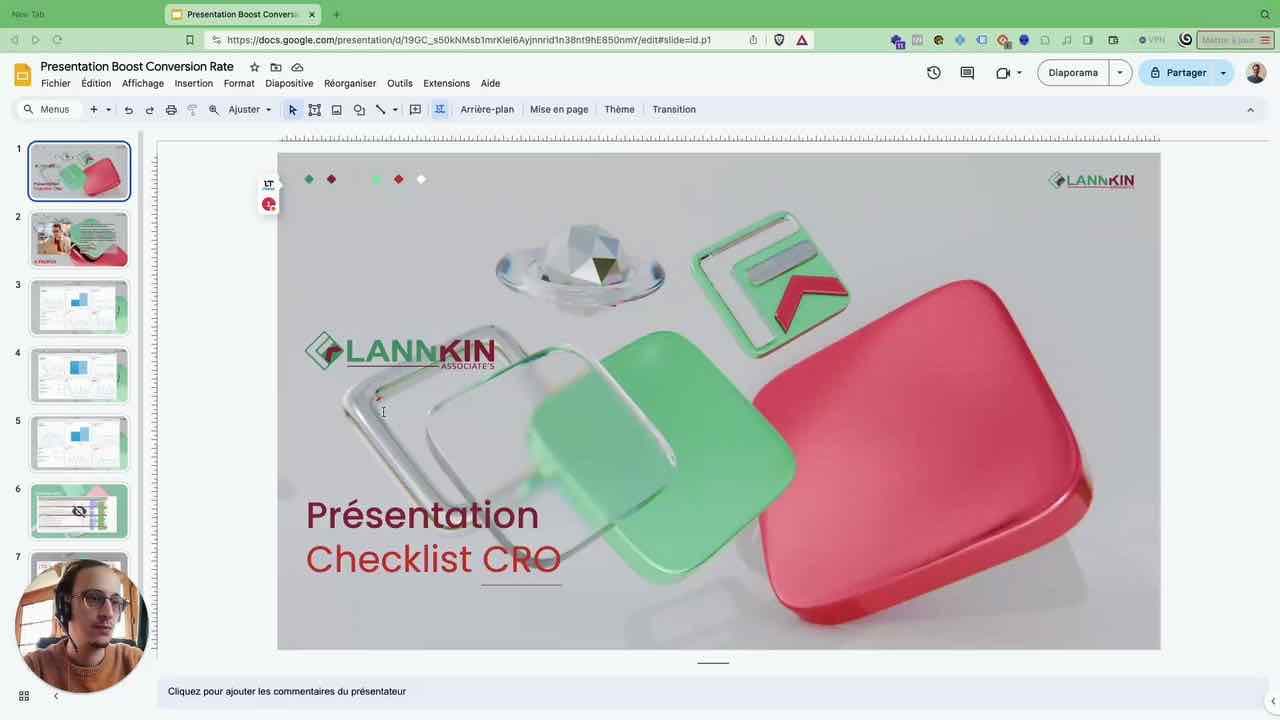
Conversion (CRO)
Conversion rate optimization
Watch the video 6 min 11 s
Google Ads · Conversion (CRO)
Google Ads for tradespeople: the landing page structure to rank first and double your conversions
Watch the video 1 min 41 s
Shopify / e-commerce · Google Ads
Utilimix: more than €800,000 in revenue with a kitchen robot
Watch the video 5 min 8 s
SEO
SEO analysis: a high-visibility blog
Watch the video
Websites, on video
- 1:52
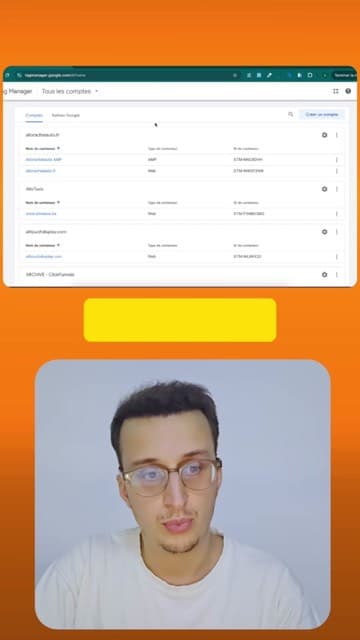
Connecting Analytics and Tag Manager to WordPress with Site Kit
@albertdelannkin
TranscriptClose
Transcript
- 1:49

Microsoft Clarity: see what your visitors really do
@albertdelannkin
TranscriptClose
Transcript
- 2:45
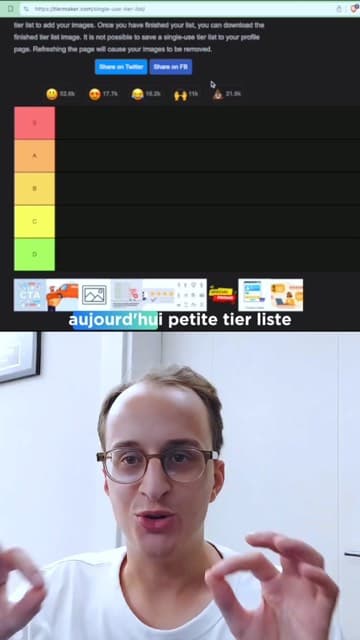
Tier list: the best strategies to increase your conversion rate
@albertdelannkin
TranscriptClose
Transcript
- 1:06
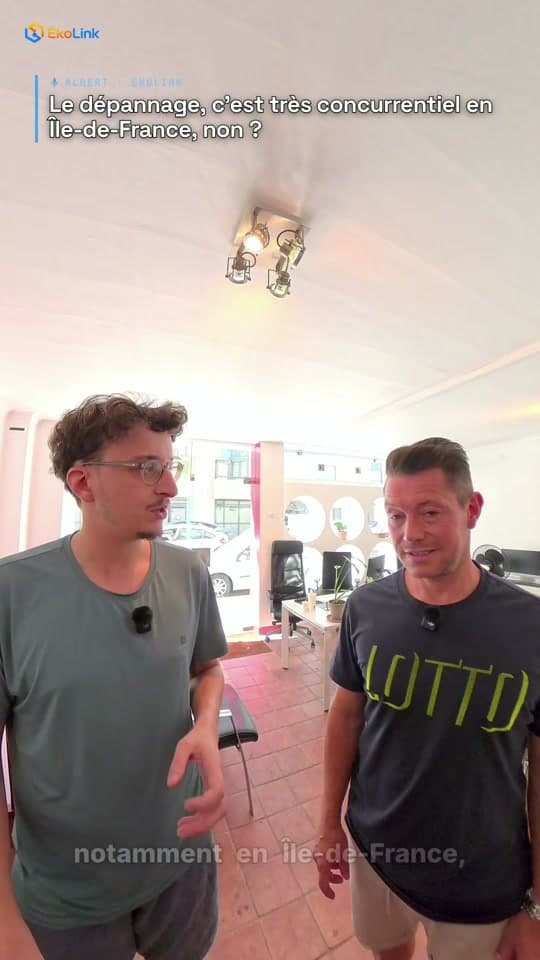
Plumber in Île-de-France: website and Google Ads
@ekolink0
TranscriptClose
Transcript
Frequently asked questions
Do I need to know how to code to take the WordPress training?
No. The training is done from the admin interface. Some CSS basics are covered only if you want to customize the theme more finely.
Can we work on a staging site rather than my live website?
Yes. A staging site avoids any risk to the production website while you learn.
Does the training cover WooCommerce?
Yes, if you sell online, setting up products, payments and shipping with WooCommerce can be part of the program.
Is the training available in English?
Yes, each session can be done in French or in English.
How much does the WordPress training cost?
The price is set on quote depending on the number of sessions and the topics covered. Free quote, answer within 24 hours on weekdays.

Price
On quote
Describe your project: I'll get back to you within 24 hours on weekdays with a proposal tailored to your needs.


Request a quote
WordPress Trainer FR/EN

Related services
This service is part of
Your project
Free quote