

Design Trainer FR/EN
We offer Design training designed for professionals who want to master the tools and concepts of graphic design, UX/UI and visual communication. These…


More than 6 years of SEO and Google Ads, working with you directly.
Albert Lanne
SEO consultant · Google Partner
1. Who is this training for?
We offer Design training designed for professionals who want to master the tools and concepts of graphic design, UX/UI and visual communication. These sessions suit beginners as well as experienced profiles looking to improve their creativity and efficiency.
On video · @albertdelannkin
Adobe Color: find your website's colors in two seconds
How Adobe Color extracts a palette from an image, suggests analogous colors with the color wheel and shows trends by keyword.
Transcript


2. What the service includes
BASIC package: €150 excl. VAT
- Introduction to design fundamentals (principles, colors, typography)
- Overview of the main software (Adobe Photoshop, Illustrator, Figma)
- Guided practical exercises
- Course material in French and English
- Duration: 1 day (7 hours)
STANDARD package: €400 excl. VAT
- All services from the BASIC package
- Advanced UX/UI training (wireframes, prototypes)
- Personalized workshop based on your projects
- Post-training email support for 30 days
- Duration: 3 days
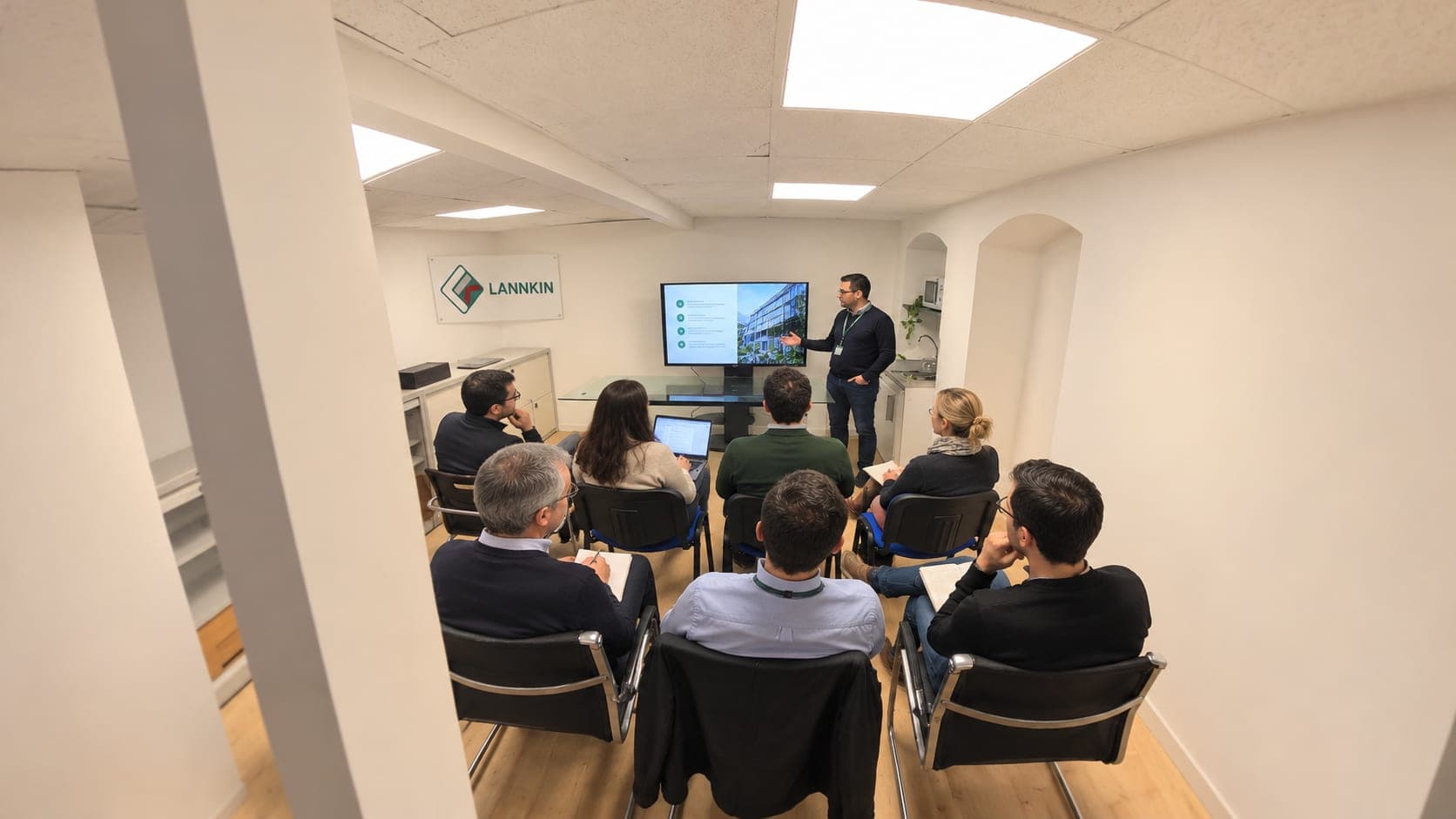
Training
In person or by video call
Training sessions take place in person or by video call, in French and in English, on your own accounts and your own cases.
3. Our support
We support professionals from various sectors (marketing, communication, web development) in building their design skills. Our bilingual team (French/English), based in the Paris region, combines technical expertise with adapted teaching to ensure effective, practical learning.
4. Recommended additional services
- E-commerce Trainer FR/EN: I train entrepreneurs and teams to launch, run and grow a successful e-commerce business, in French and English.
-
Google Ads Trainer FR/EN: I train entrepreneurs and professionals to master Google Ads to generate qualified traffic and boost their visibility, in French and English.
- Outbrain Ads Trainer FR/EN: I train brands and professionals to launch and optimize Outbrain campaigns to boost their visibility through native advertising, in French and English.
What you actually learn
The basics you use every day
Information hierarchy, alignment, spacing, contrast, choosing and pairing typefaces, building a color palette. These are the rules that make a visual look professional, whatever the software.
The tools
Figma for interface mockups and web visuals, Photoshop for image retouching, Illustrator for vector elements such as icons and logos. We focus on the features you'll actually need.
UX and UI
For profiles working on websites or apps: user journeys, wireframes, clickable prototypes, reusable components.
Training built around your own materials
The exercises are based as much as possible on your own projects: social media posts, ad visuals, pages of your website. We review them together, with the reasons behind each choice, so you can repeat the approach on your own.
- Creating a reusable template for your posts.
- Adapting the same visual to different formats: square, vertical, banner.
- Preparing ad visuals that read well on mobile.
- Exporting correctly for the web, without oversized files.
I also teach you to judge a visual before publishing it: is it readable at small size on a phone, can the main message be seen in a second, do the colors and fonts follow your brand guidelines? These few questions prevent most visible mistakes.
Who this training is for
It suits communication officers, entrepreneurs and freelancers who produce their own visuals, and marketing or web development profiles who want to work better with designers. If you'd rather delegate production, see the posts and ad visuals creation service or the visual design page.
Design works best on top of a clear brand identity: the branding training covers that upstream.
How it runs and practical details
- Initial call: your level, your tools, your projects.
- Training sessions: in French or English, with practical exercises.
- Follow-up: depending on the package, email support and review of your work.
The packages are described above. For a tailored program, for a team or over a different length of time, it's quote-based: the quote is free and I answer within 24 hours on weekdays.
Have the software installed before the first session, with an active account, so the training time is spent on practice.
Frequently asked questions
Do I need Adobe software to take the training?
For the Photoshop and Illustrator part, yes, you need an Adobe subscription. Figma has a free plan that is enough to get started.
Is the training suitable for beginners?
Yes. We start with the basic principles before the tools, and the pace adapts to your level.
Can I work on my own projects during the training?
Yes, it's actually recommended: the exercises are based as much as possible on your real visuals.
Is the training available in English?
Yes, it's offered in French or English, with materials in the chosen language.
How do I request training for a team?
On a quote, specifying the number of people and the tools used. The quote is free, with an answer within 24 hours on weekdays.

Price
On quote
Describe your project: I'll get back to you within 24 hours on weekdays with a proposal tailored to your needs.


Request a quote
Design Trainer FR/EN

Related services
This service is part of
Your project
Free quote