

SEO (Search Engine Optimization) is essential for any online store, and one of the first steps to improve your rankings is finding the right keywords. In this article, we look at several effective techniques to find keyword ideas that will improve your Shopify store's visibility on search engines.
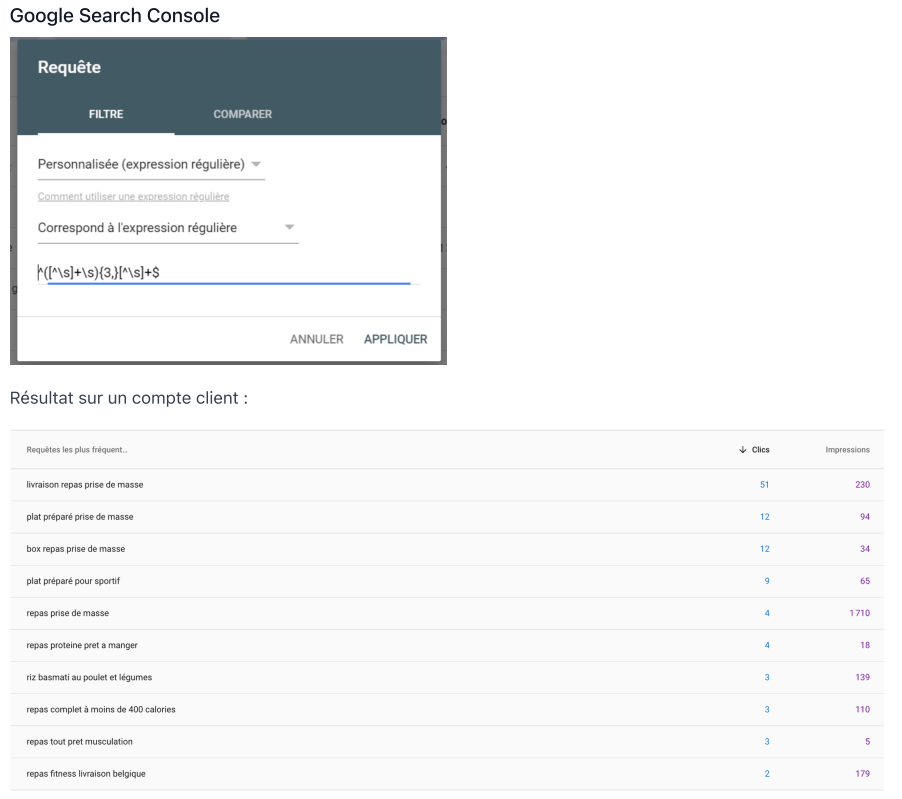
1. Use Google Search Console to identify high-performing keywords
Google Search Console is a powerful tool that helps you analyze your website's performance. You can see which keywords generate the most clicks, impressions and average position in search results. This lets you target more high-potential keywords and find popular topics for your blog or product pages.
Practical tips:
- Look at the queries that generate impressions, even if they do not get clicks yet.
- Identify long-tail keywords that bring less traffic but are highly targeted.
At the same time, it can be worth working with a Shopify and CRM expert on Fiverr to optimize how keywords are built into your Shopify store.
2. Use Google Dorking for specific keywords
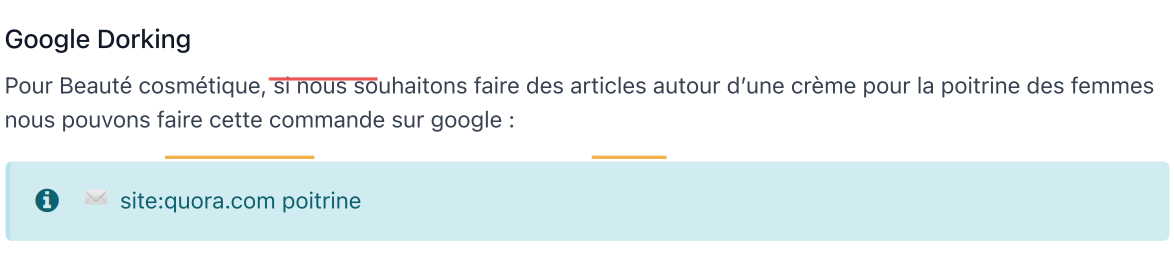
Google Dorking is a technique that uses advanced Google search operators to explore specific pages. For example, for a cosmetics website, you can use the following command to find Quora discussions about the bust (“poitrine” in French):site:quora.com poitrine
Google Dorking search examples:
site:reddit.com bust-
site:stackexchange.com cosmetic products
3. Use Google Suggest to find popular content ideas
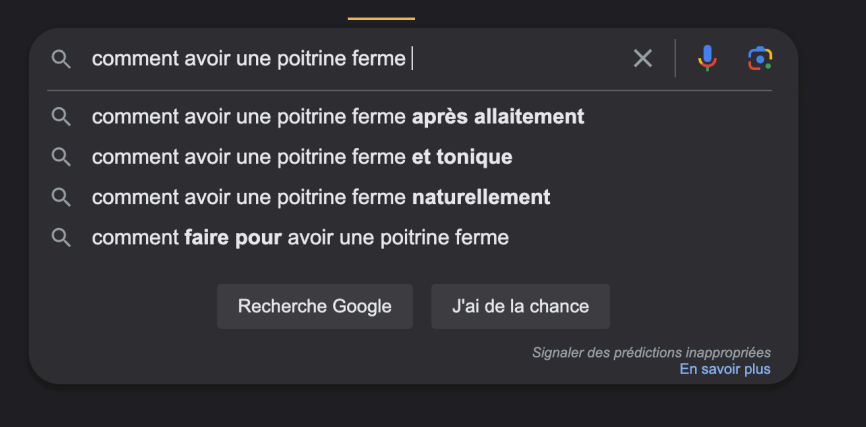
Google Suggest is one of the simplest and most effective ways to generate keyword ideas. When you start typing a keyword into Google, the search bar offers suggestions based on users' popular searches.
Examples of suggested keywords:
- How to get a firmer bust?
- How to get a rounder bust?
- How to get a smaller bust?
By exploring these suggestions, you can identify the questions and problems your target audience is actively searching for, which helps you create highly relevant content.
For a more advanced SEO strategy, it can also be useful to look into more specialized solutions, such as a web SEO strategy that improves your Shopify site's visibility on search engines.
4. Ask Google questions to identify users' needs
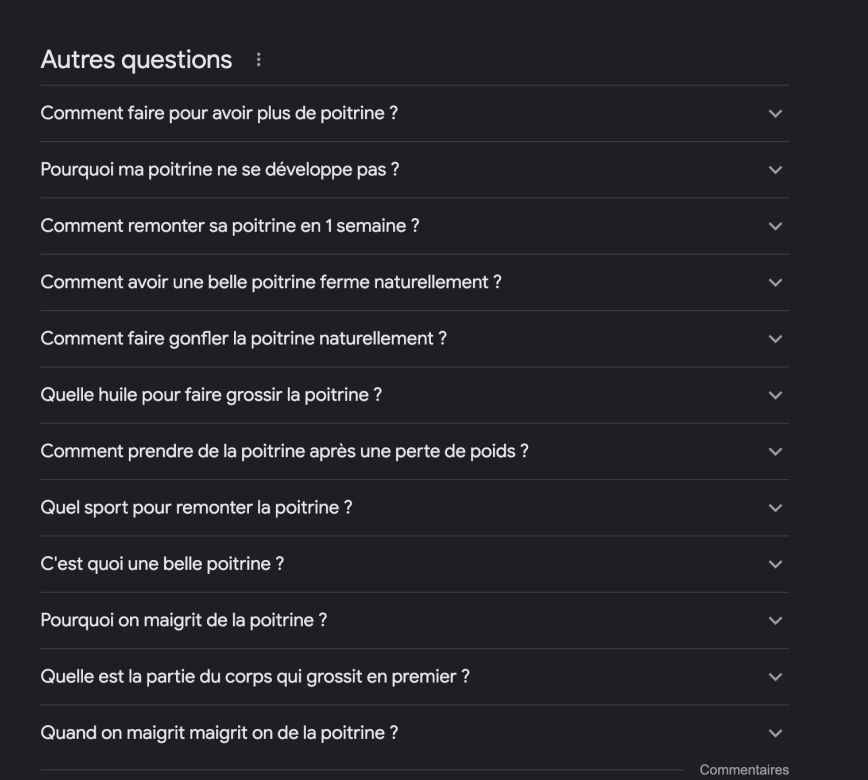
Google is not only a search engine, it is also a great way to discover frequently asked questions. If you type a question, for example “how to get a bigger bust?”, you quickly get results showing the questions users ask most often.
Strategy to follow:
- Use the People also ask section to spot similar questions that have not been covered yet.
- Create FAQ pages to answer these frequently asked questions.
Key takeaways
Finding the right keywords is essential to optimize your Shopify store's SEO. By using tools such as Google Search Console, Google Dorking and Google Suggest, you can identify high-potential keywords that will attract qualified traffic. And by exploring platforms like Quora and answering frequently asked questions, you can create valuable content that meets your customers' real needs.
Mini FAQ
How do I find effective keywords for my Shopify store?
Use tools like Google Search Console, Google Suggest and Quora to discover popular keywords related to your niche.
How many keywords should I use on each page?
Focus on one main keyword and a few secondary keywords, without overdoing it, to avoid keyword stuffing.
Are long-tail keywords useful?
Yes, they are very effective at attracting more targeted traffic and answering your audience's specific queries.
What if I cannot find good keywords?
Analyze your competitors' keywords, or browse forums and popular questions on sites like Quora or Reddit for inspiration.